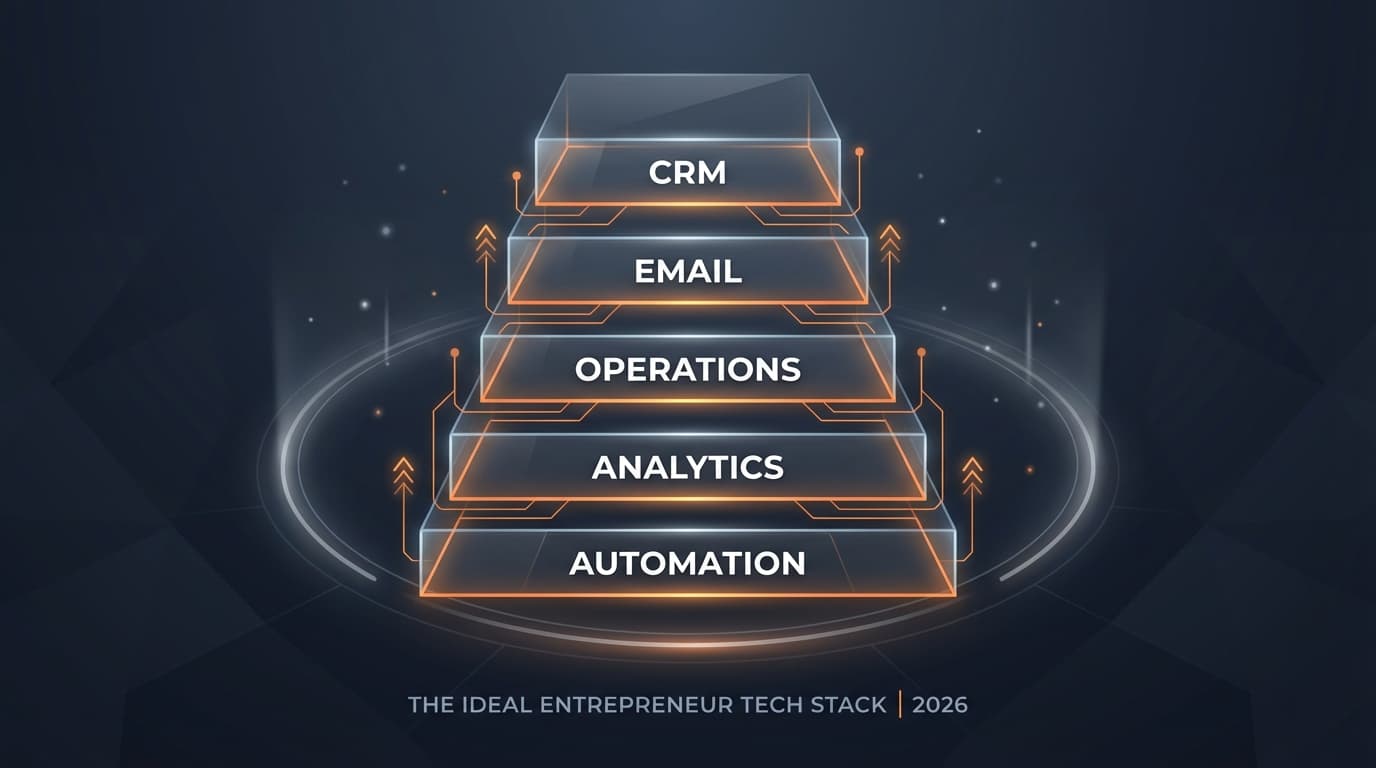
tools
The Entrepreneur's Tech Stack in 2026: What You Actually Need
You're paying for 18 tools right now. You actively use maybe 7. And at least 3 of them do the same thing.
That's not a guess. After 24 years of working inside hundreds of businesses and auditing more tech stacks than I can count, those numbers are remarkably consistent. The average service business owner running $250K to $2M is spending $1,800 to $2,500 per month on software subscriptions, and getting real value from maybe 40% of them.
The rest is clutter. Overlapping features you pay for twice. Tools you signed up for during a launch promotion and forgot to cancel. Platforms that seemed essential when you bought them but turned out to be overkill for what you actually needed.
This article isn't a generic "best tools" listicle. It's an opinionated framework for what a lean, effective tech stack looks like in 2026 - based on what I see working in real businesses, not what's trending on Product Hunt.
The Problem With Most Tech Stack Advice
Most "best tools for small business" articles are either affiliate-driven (they recommend whatever pays the highest commission), outdated (written 18 months ago about tools that have changed significantly), or one-size-fits-all (recommending enterprise solutions to businesses that need something simple).
The result is that entrepreneurs end up with Frankenstein stacks - 14 tools from 14 different companies that don't natively integrate, each solving one narrow problem while creating two new ones (data silos and context switching).
Here's the principle I operate from: fewer tools, deeper usage, tighter integration. A business running on 5-7 well-chosen, well-implemented tools will outperform a business running on 18 poorly configured ones every single time. Not because the tools are better - because the operator isn't drowning in complexity.
The Five Categories Every Business Needs (And Nothing Else)
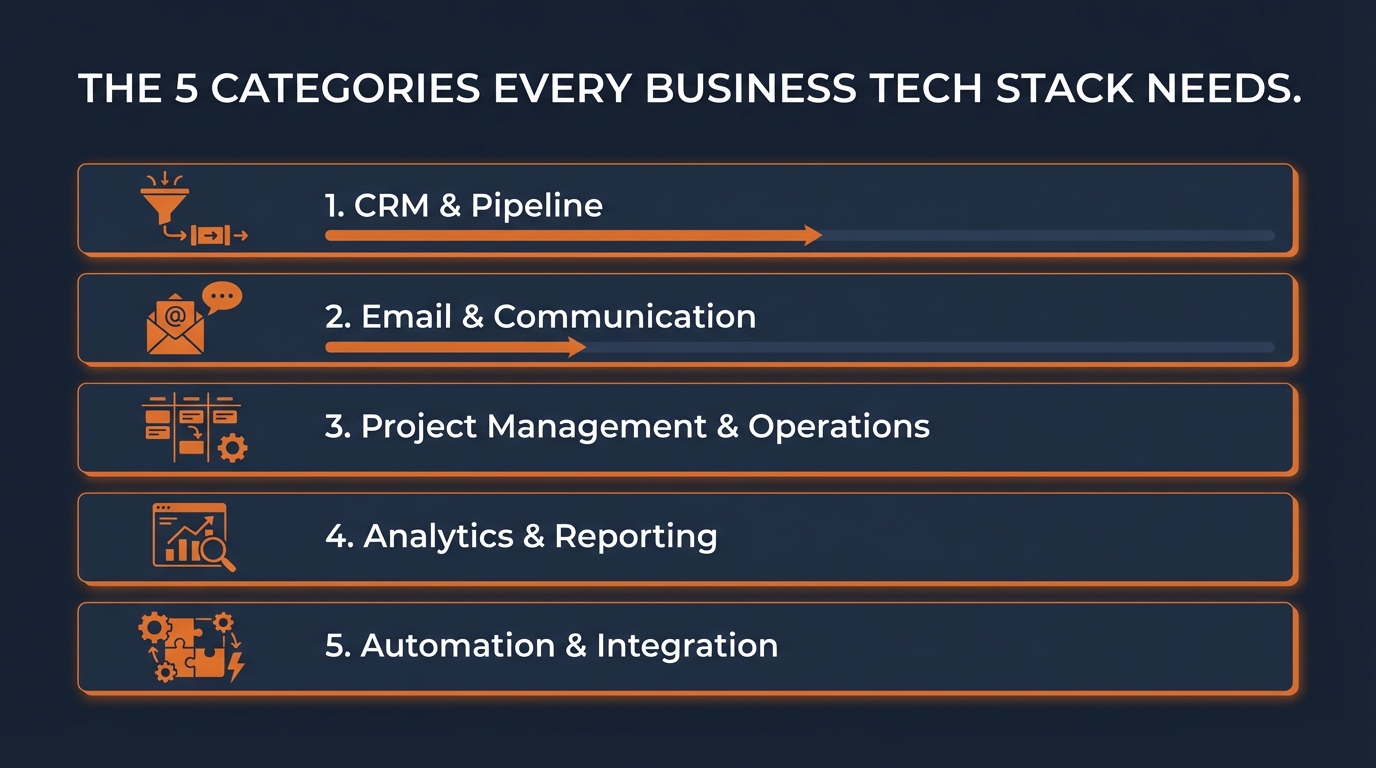
Strip away the noise and every service business needs tools in exactly five categories. That's it. If a tool doesn't fit clearly into one of these, you probably don't need it.
Category 1: Customer Relationship Management (CRM)
This is the hub. Your CRM is where every lead, customer, and communication lives. If you get this right, it reduces the need for 3-4 other tools.
What your CRM should do: track leads through your pipeline, store customer history and communication, send automated follow-up emails and texts, manage appointments or bookings, and provide basic reporting on where your revenue is coming from.
What most entrepreneurs get wrong: they pick a CRM that's too powerful for their needs (HubSpot's enterprise plan for a 5-person team), or they use a CRM for contact storage and pay for a separate tool for email, a separate tool for scheduling, and a separate tool for pipeline tracking - all things their CRM already does.
The move in 2026: pick a CRM that covers email marketing, basic automation, and pipeline management in one platform. GoHighLevel, ActiveCampaign, or even a well-configured HubSpot free/starter plan can handle all of this. Cancel the separate email tool, the separate scheduling tool, and the separate pipeline tracker. Consolidate.
Category 2: Project and Task Management
This is how your team knows what to do, when, and who's responsible. Without it, everything runs through your head - which means everything requires you.
What it should do: track tasks and deadlines, assign work to team members, give you a quick view of what's in progress and what's stuck, and store your SOPs and process documentation so your team can reference them.
What most entrepreneurs get wrong: they set up an elaborate system in Notion or ClickUp with 47 custom views, 12 databases, and a workflow that took a weekend to build - and then nobody uses it because it's too complex. Or they cycle through tools every 6 months because each new one promises to be "the one that finally works."
The move in 2026: pick something your team will actually use. If your team is under 10 people, simpler is better. A basic Asana, Trello, or ClickUp setup with one board per major business function is more effective than an elaborate system nobody maintains. The best project management tool is the one your team opens every day.
Category 3: Analytics and Tracking
This is how you know what's working. Without it, every business decision is a guess.
What it should do: show you where your traffic comes from, what your conversion rates are at each stage, which marketing channels produce actual customers (not just clicks), and how your key metrics trend over time.
What most entrepreneurs get wrong: they have Google Analytics installed but never look at it. Or they check vanity metrics (page views, social followers) instead of conversion metrics (leads generated, cost per acquisition, revenue per customer). Or they have analytics on 6 different platforms and can't get a unified picture of performance.
The move in 2026: Google Analytics 4 is free and handles website tracking. Beyond that, your CRM should track pipeline and revenue metrics. If you want one dashboard that shows everything in one place, build one. The data already exists in your tools - you just need to pull it together. A custom dashboard that answers your 5 most important business questions is worth more than a $299/month analytics platform with 200 reports you'll never read.
Category 4: Communication and Community
This is how you stay connected with your team and your customers.
What it should do: give your team a fast way to communicate without clogging email, provide a channel for customer support or community interaction, and keep conversations searchable and organized.
What most entrepreneurs get wrong: they use Slack for team communication but also email, also text messages, also WhatsApp, also direct messages on social media. Information fragments across 5 channels and things get lost.
The move in 2026: consolidate to two communication channels maximum. Internal team communication in one place (Slack or Teams). Customer communication through your CRM or a dedicated support tool. Everything else gets redirected to one of those two channels. When someone sends you a business message on Instagram DMs, you move it to the proper channel. Every time.
Category 5: Content and Marketing Execution
This is how you create and distribute content, run your website, and execute marketing campaigns.
What it should do: host your website, let you create landing pages without a developer, send emails (ideally through your CRM), and help you create content efficiently.
What most entrepreneurs get wrong: they have a website builder, a separate landing page tool, a separate email tool, a separate social media scheduler, a separate blog platform, and a separate design tool. Six subscriptions for functions that could be handled by two or three.
The move in 2026: your website platform (Framer, WordPress, or Squarespace) should handle your website and landing pages. Your CRM handles email. AI tools handle content creation assistance. A simple scheduling tool handles social media posting. That's three tools, not six.
The "Skip It" List: Tools That Sound Essential But Aren't
Not everything marketed to small businesses is worth paying for. Here are categories where I consistently see wasted money.
Standalone SEO tools ($100-400/month). Unless SEO is your primary traffic strategy and you're actively working it weekly, you don't need SEMrush or Ahrefs at $129-399/month. Free tools like Google Search Console plus a lower-cost rank tracker cover 80% of what a small business needs. Graduate to premium SEO tools when organic search is a proven revenue channel, not when you're hoping it might become one.
Social media management suites ($50-300/month). If you're posting to 2-3 platforms a few times a week, you don't need a $200/month suite with AI content generation, optimal posting time analysis, and competitive benchmarking. A basic scheduler at $20-30/month does the job. Or just post manually - it takes 10 minutes.
Standalone automation platforms ($50-200/month) - maybe. This one depends on your situation. If your CRM has built-in automation (most modern ones do), you might not need Zapier or Make at all. If you need to connect tools that don't integrate natively, a basic Zapier plan is fine for most small businesses. You don't need the premium plan with 10,000 tasks unless you've built out real automation workflows - which most people haven't.
AI tool subscriptions you use for one thing ($20-100/month each). If you're paying for ChatGPT Plus AND Claude AND Jasper AND an AI writing tool AND an AI image tool AND an AI transcription tool - you're overlapping dramatically. Pick one primary AI assistant. Use it well. Cancel the rest until you've maxed out what one tool can do.
How to Build Your Lean Stack
If reading the above made you want to audit your current setup, here's how to approach it practically. (For a more detailed walkthrough of the audit process itself, including how to pull subscription data from your bank statements, read the full tech stack audit guide.)
1. List everything you're paying for right now.
Every subscription. Every SaaS tool. Every recurring charge. Put them in a simple spreadsheet with three columns: tool name, monthly cost, and which of the five categories it belongs to.
If a tool doesn't fit clearly into one of the five categories (CRM, Project Management, Analytics, Communication, Content/Marketing), that's a red flag. It might be useful, but it's worth questioning whether it's essential.
2. Identify overlaps within each category.
Are you paying for two tools that do the same thing? Are you using a standalone tool for something your CRM already handles? Are you paying for features in one tool that are included in another tool you also pay for?
Circle every overlap. These are your immediate savings opportunities.
3. Consolidate before you add.
Before signing up for any new tool, spend 30 minutes exploring whether an existing tool in your stack already does what you need. Modern SaaS platforms expand their features constantly. The CRM you signed up for in 2023 probably has email marketing, landing pages, and basic automation now. Check before you buy.
4. Build custom tools for niche needs instead of subscribing to them.
If you need something industry-specific that no off-the-shelf tool handles well - a custom report, a specialized calculator, a unique workflow - consider building it yourself using AI coding tools rather than paying $100-300/month for a platform that does 60% of what you need. This is more accessible than it sounds in 2026, and the tool you build is exactly what you need with no bloat.
5. Review quarterly.
Tech stack bloat is a recurring problem because subscriptions are designed to be forgotten. Set a calendar reminder every 90 days. Takes 15 minutes once you've done it the first time. Worth thousands annually.
What Your Stack Should Cost
Here's a rough benchmark for what a lean, effective tech stack should cost a service business doing $250K to $2M:
A CRM with email and automation built in: $97-297/month. Project management: $0-50/month. Analytics: $0-50/month (Google Analytics is free, and your CRM handles the rest). Communication (Slack or equivalent): $0-15/month. Website and content: $20-100/month. AI assistant: $20-200/month depending on usage. A couple of specialized tools for your specific business: $50-200/month.
Total: roughly $200-900/month. Compare that to the $1,800-2,500/month most entrepreneurs are spending on 18 tools. That's $1,000-1,600/month in potential savings - $12,000-19,000 a year - just by getting intentional about what you actually need.
The Stack Is Just the Start
Choosing the right tools matters. But it's about 20% of the equation. The other 80% is implementation - actually configuring, integrating, and using the tools in a way that produces results. The best CRM in the world doesn't help if your follow-up sequences aren't built, your pipeline isn't configured, and your team doesn't use it consistently.
Inside the Implementation Club, every new member gets a Tech Stack Audit through our automated tracker - upload your statements and our tool identifies every subscription, flags overlaps, and shows you exactly where your money is going. But the audit is just the starting point. On Thursdays, we help members configure the tools they're keeping, build integrations between platforms, set up automations that replace the tools they're canceling, and create custom solutions for the gaps that no off-the-shelf tool fills.
In Slack, members share what's working in their stacks, warn each other about tools that aren't worth the price, and help each other through migrations. When someone's debating between two CRMs, they get real opinions from people who've actually used both - not affiliate-driven reviews.
The goal isn't to have the coolest stack. It's to have the one that works for your business, costs what it should, and gets used every day. If your current setup doesn't meet that bar, that's a solvable problem.

Jon Barrett
Jon Barrett is the founder of Implementation Club — a community for entrepreneurs who are done planning and ready to build. He's spent 20+ years building operational systems for businesses of every size, and now helps owners implement faster, get unstuck in real-time, and finally build the business they've been describing to people for years.