tools
How to Build Custom Business Software Without Writing a Line of Code
There's a tool you're paying $297 a month for right now that does about 60% of what you actually need.
You know the one. You signed up because it was the closest thing to solving your problem. You use maybe three of its 47 features. The other 44 features clutter the interface, slow down your workflow, and exist to justify the price tag for someone else's use case - not yours.
And somewhere in the back of your mind, you've had this thought: "I wish I could just build exactly what I need."
Then you dismissed it. Because you're not a developer. You don't write code. Building software is what tech companies do, not service business owners doing $500K to $2M.
That was true three years ago. It's not true anymore.
The Rules Changed (And Most People Haven't Noticed)
The ability to build custom software used to require one of two things: either you were a developer yourself, or you could afford to hire one. Custom development projects ran $10,000 to $100,000 and took months. For a small business owner, "build what I need" was a fantasy reserved for companies with engineering teams and venture capital.
AI coding tools changed that equation completely.
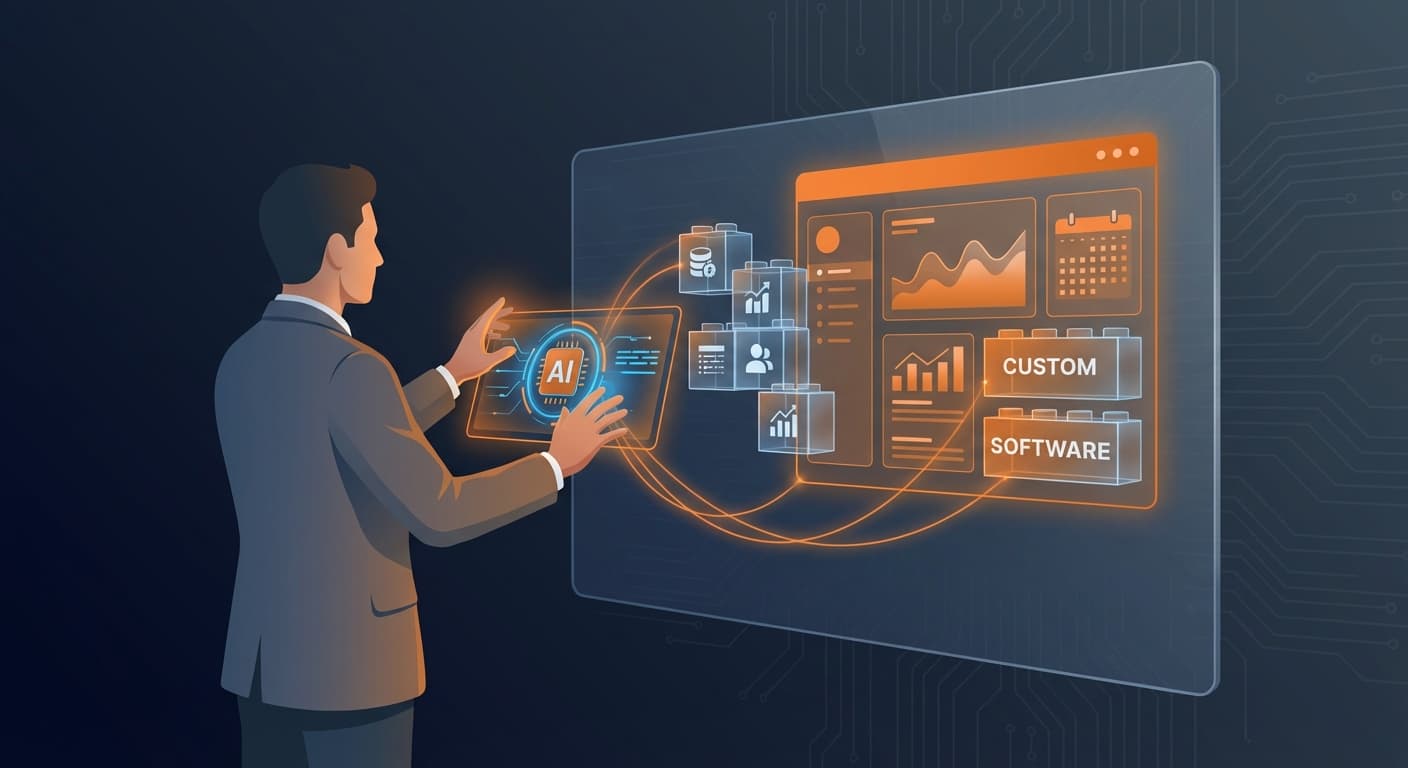
Today, you can describe what you want a tool to do in plain English, and an AI assistant will write the code for you. Not perfect code every time. Not production-ready on the first attempt. But functional, working software that solves your specific problem - built in hours instead of months, for the cost of an AI subscription instead of a developer's retainer.
This isn't theoretical. Business owners with zero coding background are building tools right now that would have cost them $20,000 to $50,000 in custom development two years ago. They're building them in a single afternoon. And they own them - no monthly subscription, no feature bloat, no praying the company doesn't change their pricing or shut down.
The barrier to custom software isn't technical skill anymore. It's knowing what to build and how to think about the problem. That's what this article is about.
What You Can Actually Build (Real Examples)
Let me show you what this looks like in practice. These are real tools built by real business owners who don't write code.
A route optimization tool. A service business owner had a team doing 8-12 field inspections per day across a metro area. Every morning, someone spent 30-45 minutes manually planning the route. They built a tool that pulls the day's inspection list, feeds it through Google's traffic API, and outputs the most efficient route with estimated drive times and arrival windows. Total time saved: 8 hours per week. Build time: one afternoon.
A lead research tool. A B2B company needed to find decision-makers at target companies. They were paying for three separate platforms - one for company data, one for contact lookup, and one for email verification. They built a single tool that takes a list of company names, finds their websites, identifies contacts with specific job titles, and outputs a clean spreadsheet ready for outreach. Replaced $400/month in subscriptions and hours of manual cross-referencing.
A market trends chart creator. A consultant needed to show clients real-time market data in a visual format on their website. Off-the-shelf charting tools either looked generic or required a developer to customize. They built a tool that pulls data from a Google Sheet (which they already maintained), generates interactive charts, and embeds them directly on their Framer website. Total development cost: zero. Client perception: "Did you hire a design firm?"
None of these required writing code by hand. All of them replaced expensive subscriptions or time-consuming manual processes. And all of them do exactly what the business needs - nothing more, nothing less.
How to Think About What to Build
The hardest part of building custom software isn't the building. It's identifying what's worth building. Not everything should be a custom tool. Here's how to evaluate whether a problem is worth a custom solution.
Build it if: You're paying for a tool and using less than 30% of its features. (If that sounds like half your subscriptions, run the tech stack audit first to see exactly where your money is going.) You're doing a repetitive task manually that follows the same steps every time. You're copying data between two platforms because they don't integrate natively. You have a workflow that's specific to your industry or business model that no off-the-shelf tool handles well.
Don't build it if: A $20/month tool does exactly what you need. The task is complex and changes constantly (AI tools are better at structured, repeatable workflows). You'd be building it to avoid learning an existing tool that would actually serve you well. The problem is a people problem, not a tools problem.
The sweet spot for custom builds is tasks that are repetitive, structured, specific to your business, and currently handled by either expensive software or manual effort. Those are the problems where a custom solution pays for itself immediately.
The Process: From Problem to Working Software
Here's a simplified version of how to go from "I wish I had a tool that does X" to actually having it. You don't need to be technical to follow this process. You need to be clear about what you want.
Step 1: Define the problem in one sentence.
Not a feature list. Not a wish list. One sentence that describes the pain point. "I spend 3 hours every Monday compiling client reports from three different sources." "My team has no way to see which leads haven't been contacted in 7 days." "I need to turn a spreadsheet of data into a visual chart on my website."
If you can't describe it in one sentence, you're probably trying to build too much at once. Break it down until each piece is a clear, single-sentence problem.
Step 2: Map the inputs and outputs.
What goes in? A spreadsheet, a list of names, a database, a set of numbers, a calendar.
What comes out? A report, a chart, an email, a sorted list, a notification, a document.
The clearer you are about inputs and outputs, the easier the build. "I put in a list of companies and get out a spreadsheet of contacts with their email addresses" is a buildable description. "I want a tool that manages my whole sales process" is not.
Step 3: Describe the steps in plain English.
Write out what the tool should do, step by step, as if you were explaining it to a very literal assistant. "Take the data from column A of this spreadsheet. Look up each company's website. Find people with the job title 'Marketing Director.' Get their email addresses. Put everything in a new spreadsheet with columns for company name, contact name, job title, and email."
This plain-English description is essentially the prompt you'll give to an AI coding tool. The more specific and sequential you are, the better the output.
Step 4: Build a rough version first.
Open an AI coding assistant - Claude, ChatGPT, or a dedicated coding tool like Cursor or Replit. Paste your plain-English description. Ask it to build a working version.
The first version will not be perfect. It might not even work on the first try. That's normal and expected. The goal is to get something functional that proves the concept. You can refine from there.
Common first-attempt issues: the tool works but the output format isn't quite right (easy fix - describe the format you want). It handles 80% of cases but breaks on edge cases (fix those one at a time). The interface is ugly but functional (aesthetics come last, function comes first).
Step 5: Iterate until it works for your use case.
Test it with real data from your business. Note what breaks or doesn't work as expected. Go back to the AI tool and describe the specific issue: "When a company has multiple people with the same title, it only returns the first one. I need all of them." Each round of feedback makes the tool more robust.
Most custom tools reach "good enough to use daily" within 3-5 iterations. That's typically a few hours of total work spread across a day or two. Compare that to the months and thousands of dollars a custom development project would take.
Five Custom Tools You Could Build This Month
If you're wondering where to start, here are five practical tools that solve common problems for service businesses and are well within reach for a non-technical builder.
1. Client Onboarding Automator. Takes a new client's information from a form and automatically generates a welcome email, creates their folder structure, sets up their project timeline, and assigns tasks to your team. Replaces: 45 minutes of manual setup per new client.
2. Weekly Report Generator. Pulls data from your CRM, email platform, and analytics into a single formatted report that lands in your inbox every Monday morning. Replaces: 2-3 hours of manual data gathering and formatting.
3. Lead Response Prioritizer. Looks at incoming leads, scores them based on criteria you define (company size, industry, service needed, budget indicated), and sorts them so your team contacts the highest-value leads first. Replaces: your gut feeling about which leads to prioritize, plus the leads that fall through the cracks because nobody made the call.
4. Proposal Generator. Takes a few inputs (client name, service type, scope, pricing) and produces a formatted, professional proposal document ready to send. Replaces: 60-90 minutes of copy-pasting and customizing a template for every new opportunity.
5. Subscription Tracker. Monitors your bank statements for recurring charges, categorizes them, flags new subscriptions, and alerts you when something you haven't used in 60 days is about to renew. Replaces: the tech stack audit you keep meaning to do but never get around to.
Each of these solves a real problem, saves measurable time, and can be built by someone who's never written a line of code. Pick the one that would save you the most time or frustration, and try building it this week.
The Bigger Opportunity
Here's the part most people don't think about: once you've built a custom tool that solves a problem in your business, there's a good chance other business owners in your industry have the exact same problem.
That route optimization tool? Every service business with a field team would want it. That lead research tool? Every B2B company is paying for three platforms to do what one custom tool handles. That proposal generator? Universal.
The software you build for yourself can become a product you sell - or a competitive advantage that nobody else in your market has because they're still using the same off-the-shelf tools everyone else uses.
You don't have to think about this right away. Start by building something that saves you time and money. But keep it in the back of your mind: the ability to build custom software is a business skill that compounds. The first tool you build saves hours. The tenth tool you build could become a revenue stream. And once you have a working tool, the DOOR System will help you document it into a repeatable process that your team - or your customers - can follow.
Building Alone vs. Building Together
If you've read this far and you're excited about the possibilities, try it. Seriously. Pick one of the five tools above - the one closest to a problem you're actively dealing with - open an AI coding tool, describe what you want, and see what happens. You might surprise yourself.
And if you try it and hit a wall - the code doesn't work, the tool breaks on your specific data, you can't figure out how to connect it to your existing systems - know that's normal. Every builder hits walls. The question is whether you're hitting them alone or with someone beside you who's already built through them.
Every month in the Implementation Club, we run live Build-Along sessions where we create actual business software together. You bring the problem. We map the solution as a group. Then we build it - in real time, with help available when things don't work the way the AI said they would.
Members walk out of Build-Along sessions with working tools they own. Not another subscription. Not a demo they'll never configure. A functional tool built for their specific business, running by the end of the session. Between sessions, the Slack community is full of people sharing what they built, troubleshooting each other's projects, and pushing each other to build more.
And for Elite members who want to take it further - if you build something your entire industry would pay for, we can partner to develop and market it together.
The ability to build your own software is no longer reserved for developers. It's a skill any business owner can develop. The question is whether you develop it alone, through trial and error, or alongside people who are already doing it.

Jon Barrett
Jon Barrett is the founder of Implementation Club — a community for entrepreneurs who are done planning and ready to build. He's spent 20+ years building operational systems for businesses of every size, and now helps owners implement faster, get unstuck in real-time, and finally build the business they've been describing to people for years.